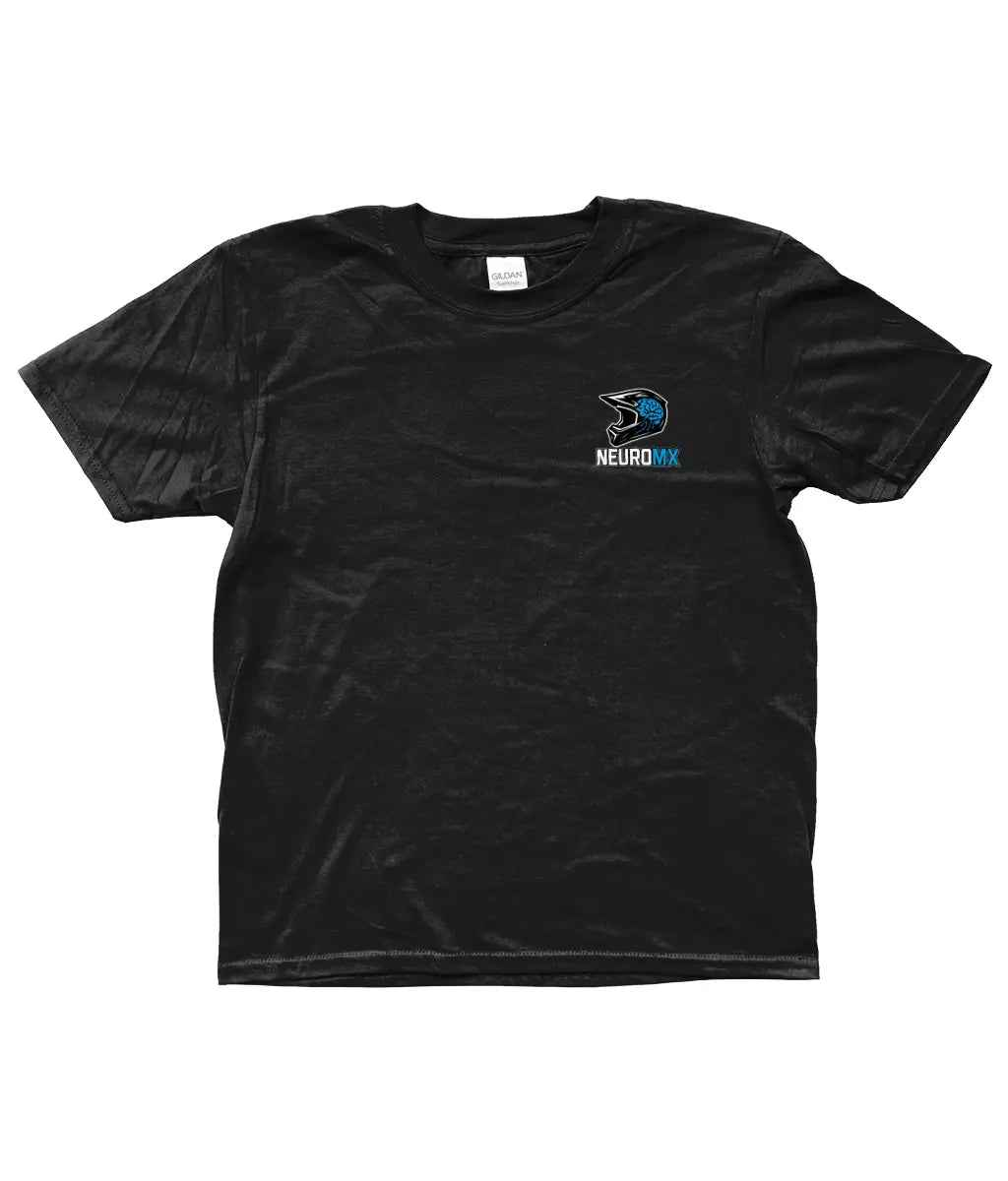
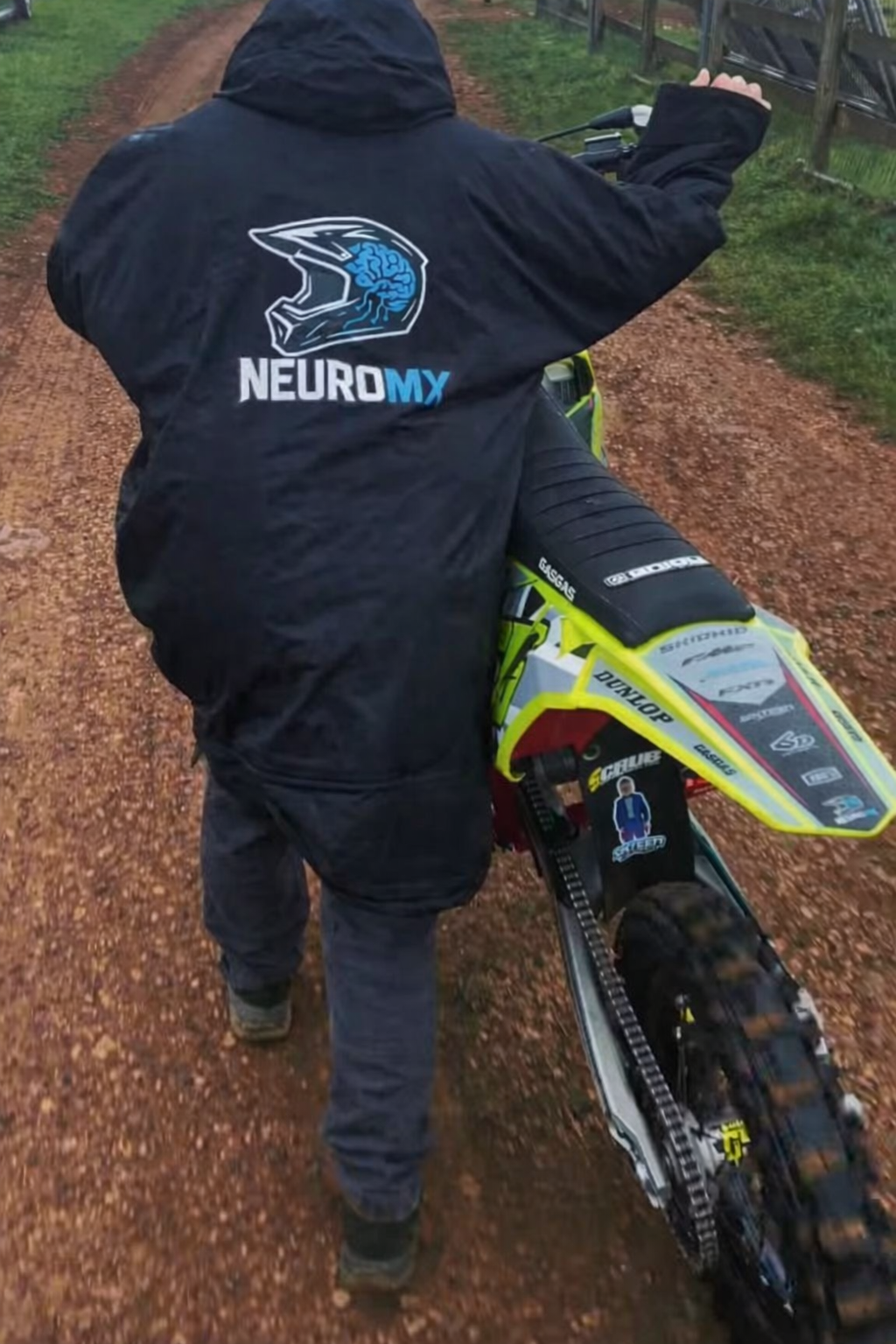
Fits true to size. Size up for relaxed fit. Made to order, please check size before ordering 100% customer satisfaction.
Quantity
Couldn't load pickup availability
Made to order • Dispatched in 5–7 working days
Discover the NeuroMx-Wired Kids Tee - The Ultimate Motocross T-Shirt
Material: 100% Cotton
Preshrunk Jersey Knit Cotton
Deluxe 30 Single Ring Spun Yarns
2cm Seamless Twin Needle Collar
Taped Neck & Shoulders
Tear Away Label
Eurostyle Fit In Neck, Shoulders & Sleeves
Twin Needle Sleeves & Bottom Hem
Quarter-Turned To Eliminate Centre Crease
Sizes YXS & YS Are With Side Seams
Weight: White 144 gsm, Colours 153 gsm
Stylish and Comfortable Design
The NeuroMx-Wired Kids Tee is a standout in motocross fashion. Made from premium cotton, this motocross t-shirt not only looks stylish but also offers unparalleled comfort. Because of its soft fabric, kids can wear it all day long without feeling restricted. Whether they are at school or on the tracks, this shirt will keep them looking cool and feeling great. Its vibrant color options make it a favorite among young riders.
Durability for Active Play
This motocross t-shirt is designed for kids who love to play hard. It features reinforced stitching and a strong fabric that can withstand the rough and tumble of active lifestyles. So, when your child gets into adventures, you won't have to worry about wear and tear. The NeuroMx-Wired Kids Tee is made to last, ensuring that it can keep up with the playful nature of kids.
Unmatched Versatility
Not only is the NeuroMx-Wired Kids Tee perfect for motocross enthusiasts, but it’s also great for any casual outing. Kids can easily pair it with jeans, shorts, or even layers under jackets. This adaptability makes it an ideal choice for different occasions. Because of its stylish design, kids can feel confident wherever they go, whether they are hitting the track or hanging out with friends.
As someone who is neurodivergent and in to motocross I think its absolutely amazing i definitely feel safe when im on my bike and able to be my true self
Step 1: Choose message placement
Click the button below and then hover over your page to select a placement.
Step 2: Paste and save
You have copied the placement for the Product Page.
Go back to the App Embeds section, and in the Paypal Advanced Settings, paste the copied value into the
Product Page field and click the 'Save' button in the top right corner.